
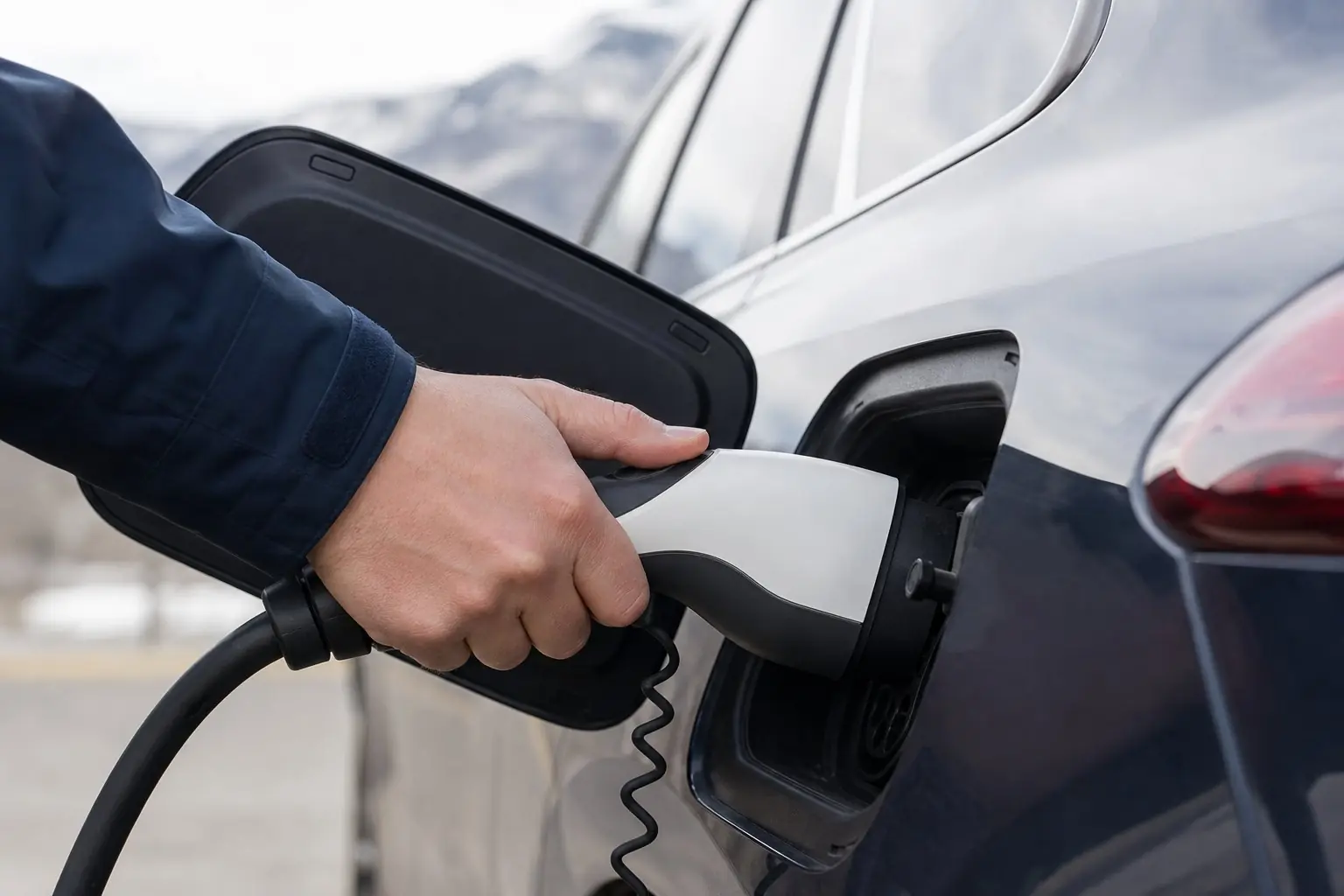
Safety first. If the plug, outlet, cable, charger or breaker is hot, discolored, melted or smells like burning, stop, turn the charger's breaker off if you can reach it safely, and call an electrician. Do not open the panel, remove covers or take the charger apart. Reset a tripped breaker once at most.
Why is my EV charger not charging the car?
Most often the charger has no power, the car is not asking for a charge because of a schedule or charge limit, the charger is paused or restricted in its app, or the charger has stopped on a fault. The charger's status light usually tells you which, so read it before anything else.
The charger has no power
No lights at all usually means no power. Tesla's Wall Connector manual lists "No Lights" as "Power supply issue, charging disabled" and starts with "Verify that the power supply is turned on." Emporia's guide reads a dark power light as "Charger does not have power." Check the breaker. If it has tripped, reset it once. If it trips again, read EV charger keeps tripping the breaker instead.
The car is not asking for power
A charger can be ready while the car waits. Tesla's Wall Connector shows solid blue for "ready but vehicle not requesting charge" and says to "verify vehicle is ready to charge and not blocked by settings like scheduled charging." Emporia's solid green charge light means "Charger Ready, Vehicle not Ready (or fully charged)." Check the car's charging schedule, departure time and charge limit. A car already at its limit will not draw power.
The charger is paused or restricted
Smart chargers can be paused or limited to certain cars. Tesla's two blue blinks mean "Electric Vehicle Service Equipment not ready to charge," and the manual says to check that "scheduled charging, Open Charge Point Protocol, or access control are not preventing charging." Emporia's guide says that if the app shows a paused state, tap the icon "to un-pause."
The handle or handshake did not connect
Emporia warns that "if the handle is not latched securely, the vehicle will not charge." Tesla's Mobile Connector has a code for when it "could not communicate with the vehicle," with the advice: "Unplug the Mobile Connector from the vehicle and then plug it back in. Try a different outlet." In cold weather Tesla also notes the charge port latch can freeze; the car's manual covers warming it.
The charger stopped on a fault
Red or orange lights mean the charger stopped itself. Ground fault, ground loss, voltage and temperature codes all point toward the circuit. See EV charger GFCI tripping for ground faults and Tesla Wall Connector flashing red for Tesla's codes.
What can I safely check myself?
You can read the charger's light or app status, check the breaker position, look at the car's schedule and charge limit, re-seat the handle, check the charger app for a pause or access setting, and look at the plug and outlet from the outside. Reset a tripped breaker once. Everything past that is electrician work.
- Note the charger's lights or app message and look it up in the manual.
- Check whether the charger's breaker is on. Reset it once if tripped.
- Check the car's charging schedule, charge limit and charging screen.
- Open the charger app and look for a pause, schedule or access setting.
- Unplug the handle from the car, then plug it back in until it latches.
- For a plug-in charger, look at the plug and outlet for discoloration or a loose fit without touching anything inside.
When should I stop and call an electrician?
Call an electrician if the charger stays dark with the breaker on, if the breaker trips again after one reset, if ground, voltage or temperature faults keep returning, or if anything is warm, discolored or smells burnt. Tesla's own steps for those faults have an electrician remove the unit and measure voltage, which is not homeowner work.
- No lights with the breaker on. Tesla asks an electrician to "confirm that voltage is present at the terminal block using a multimeter."
- The breaker trips again after one reset.
- Ground-fault, ground-loss or voltage codes keep coming back.
- Heat, discoloration, melting or a burning smell at the plug, outlet or charger.
If the circuit tests fine and the charger still faults, the unit itself may need its maker's support. Our EV charger repair page explains the split between circuit repair and a warranty claim.
Symptoms at a glance
| What you see | Likely cause | Who fixes it |
|---|---|---|
| No lights | No power: breaker off or tripped, or a supply fault | You check the breaker; electrician if it stays dark |
| Ready light, car idle | Car schedule, charge limit or full battery | You, in the car's settings |
| Paused or "not ready" status | App pause, schedule or access control | You, in the charger app |
| Stops right after plug-in | Handle not latched or a communication fault | You re-seat it; maker's support if it persists |
| Red or orange fault light | Ground, voltage or temperature fault | Electrician for the circuit; maker for internal faults |
Not charging questions
My charger shows a light but the car is not charging. What does that mean?
Often the charger is ready and the car is not asking for power. Tesla's Wall Connector manual describes solid blue as the charger ready but the vehicle not requesting charge, and points to settings like scheduled charging. Check the car's schedule, charge limit and app before assuming a fault.
Should I try a different outlet?
For a portable charger, Tesla's Mobile Connector manual suggests trying a different outlet for several faults, which helps tell an outlet problem from a charger problem. Only use an outlet suited to the load, never an extension cord or adapter, and stop if any outlet looks or feels wrong.
Can a cold night stop my car from charging?
It can slow or delay it. Tesla notes the charge port latch can freeze, and that a car outside its best battery temperature range heats or cools the battery before or during charging. If the charger shows no fault, give the car time or warm the port as its manual describes.
Still not charging? Tell us the charger, the car and what the lights show.
Request a charger repair visit