
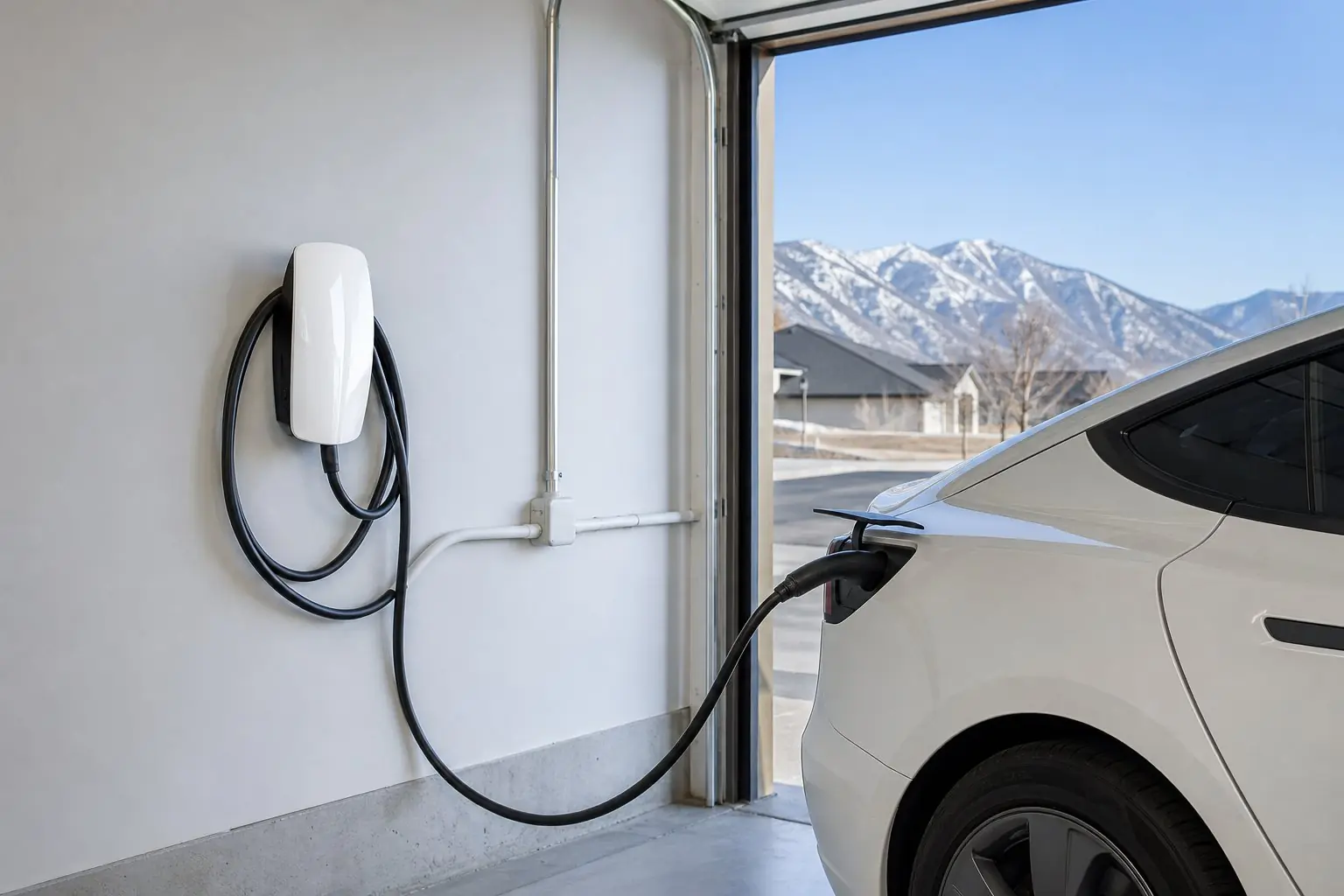
Safety first. Several of Tesla's fixes begin with "have an electrician remove the Wall Connector from the wirebox." That step is for an electrician only. Do not take off the faceplate, remove the unit or open the panel. If the unit, handle or cable is hot, discolored or smells like burning, turn the breaker off and leave it off.
What does a flashing red light on a Tesla Wall Connector mean?
It is a fault code. Tesla's Gen 3 manual says "all red blink codes pause for one second, and then repeat," so the number of blinks between pauses identifies the fault: one for a ground fault, two for high ground resistance, three for high temperature, four for lost internet, and so on up to seven. Solid red is an internal fault.
Most codes stop charging. Four and five blinks are different: they affect online features and power sharing. Tesla also uses green and blue lights for normal states, so a blue light is not a fault. Solid blue means the unit is "ready but vehicle not requesting charge," which EV charger not charging covers.
Tesla Wall Connector red light codes
| Light | What it means (Tesla's wording) | Who acts |
|---|---|---|
| No lights | "Power supply issue, charging disabled" | You check the breaker; electrician if it stays dark |
| Solid red | "Internal, charging disabled" | You reset the breaker once; then Tesla |
| 1 red blink | "Ground fault circuit interruption due to unsafe current path, charging disabled" | You look for damage or water; electrician checks wiring |
| 2 red blinks | "Ground assurance fault, high ground resistance detected, charging disabled" | Electrician |
| 3 red blinks | "High temperature detected; charging limited or disabled" | You check Wi-Fi and firmware; electrician checks wire and torque; then Tesla |
| 4 red blinks | "Internet connection lost, online features disabled" | You, on your Wi-Fi |
| 5 red blinks | "Group power management communication issue, charging reduced" | You or your installer re-link the units |
| 6 red blinks | "Overvoltage or poor grid quality detected, charging disabled" | Electrician |
| 7 red blinks | "Vehicle overcurrent detected" | You lower the car's current; then Tesla or the car's maker |
Meanings quoted from the fault code table in Tesla's current Gen 3 Wall Connector manual. "Who acts" is our reading of Tesla's instructions for each code. A Universal Wall Connector or older Gen 2 unit may differ, so check that model's manual.
Which codes need an electrician?
No lights that persist, one blink that keeps returning, two blinks, three blinks and six blinks. Tesla's instructions for those codes involve checking grounding, wire size, terminal torque or voltage at the terminal block, all of which mean removing the unit from its wirebox or working in the panel. That is electrician work.
- No lights: "Verify that the power supply is turned on." If it persists, an electrician confirms voltage at the terminal block: "L1 to L2/N, L1 to Ground, L2/N to Ground."
- 1 blink: first "inspect the handle, cable, Wall Connector, and vehicle charge port for damage or signs of water ingress." Then an electrician checks "that ground is not directly connected to a conductor wire in the branch circuit." See EV charger GFCI tripping.
- 2 blinks: check "the wirebox terminals, electrical panel(s), and junction boxes" and "the bond between ground and neutral at the main panel."
- 3 blinks: owners can "check the faceplate and cable handle for excessive warmth" and connect Wi-Fi for firmware updates. An electrician verifies "that the conductors used are sized correctly and that the terminal block is torqued to specification."
- 6 blinks: "Verify that the power supply is nominal 200-240 volts," with the same voltage readings as no lights.
Which codes go to Tesla or the car?
Solid red that survives a breaker reset goes to Tesla. Three blinks go to Tesla support if the electrician's checks and a firmware update do not solve it. Seven blinks start with lowering the car's charge current, then go to Tesla if the car is a Tesla, or to the car's own maker if it is not.
For solid red, Tesla says: "Turn the circuit breaker off, wait 5 seconds, and turn it back on. If solid red light remains, document part number and serial number, then contact Tesla Energy." Before contacting Tesla, the manual asks for a short video of the lights, a photo of the part and serial number label on the side, when it happened, the car's VIN and a photo of any error on the car's screen. Tesla's owner support line in the manual is (888) 765-2489.
Which codes can I handle myself?
Four blinks and usually five. Four blinks means the unit lost internet, and Tesla's steps are about the router, signal and a changed Wi-Fi password. Five blinks is a power sharing link problem between linked units, fixed by re-linking them in the setup app. Neither involves the wiring.
For Wi-Fi steps, including Tesla's 2.4 GHz requirement, see EV charger won't connect to Wi-Fi. Specs and setup are on our Tesla Wall Connector page.
Wall Connector red light questions
How do I count the red blinks?
Tesla's manual says all red blink codes pause for one second and then repeat. Count the blinks between pauses, then match the number to the table. A short phone video of the lights helps, and Tesla asks for one if you contact support.
Can I fix a red light by resetting the breaker?
For a solid red internal fault, Tesla's first step is to turn the breaker off, wait 5 seconds and turn it back on. For blink codes, a reset may clear it briefly, but ground, temperature and voltage faults that return need an electrician to find the cause.
Does a red light void my Wall Connector warranty?
No. A fault code is the unit reporting a problem. Tesla's warranty covers manufacturing defects for 48 months of normal personal use, and excludes damage from improper installation or repairs by someone not authorized. That is why the internal checks Tesla lists are for an electrician or Tesla, not the owner.
Code pointing at the wiring? Tell us the blink count, when it started, and how the unit is wired.
Request a charger repair visit